Wireless Bluetooth scanners: range, battery and connection security
How to choose a cordless scanner: HID and SPP profiles, barcode pairing, real indoor range, batch mode, battery, security, and when a corded model is the better choice.
A cordless scanner takes the cable off the counter or the warehouse floor, but it moves the problems elsewhere: connection, range, battery, security. Here is what to check before ordering.
1. Bluetooth: what HID and SPP mean
Most cordless scanners in our scanner range talk over Bluetooth, and the way they work is called a profile. Two are met most often:
- HID (Human Interface Device): the scanner behaves like a keyboard. The code appears wherever the cursor is, in any program, with no drivers. This is the simplest mode for a till or an office.
- SPP (Serial Port Profile): the scanner appears as a virtual serial port. The application receives data directly and can send commands back, for example for a beep or configuration. It needs software that can read the port.
If your till or stock program simply types into a field, HID is enough. If you use a dedicated application, ask the developer which profile it supports.
2. Charging cradle and pairing by barcode
Many models come with a cradle that charges the battery and also provides the radio link. Pairing is usually done by scanning a special barcode printed in the manufacturer's manual or on the cradle: the scanner and the cradle (or phone) find each other without menus. The advantage of a cradle is that the scanner always has a place, charges between uses and does not get lost on the counter. For checkout lanes a fixed cradle is usually tidier, and for retail projects it is worth agreeing how a replaced scanner is paired again.
3. Real range
Manufacturers state the range reached in the open, with no obstacles: for ordinary Bluetooth scanners that means tens of metres. Inside a building the picture differs. Reinforced concrete walls, metal shelving, refrigerators, other wireless devices and Wi-Fi networks on the same band reduce the distance, sometimes a lot. So do not plan from the catalogue figure. Test exactly where the work happens: from the till to the back of the shelf, from the dock to the end of the aisle. If the operator has to roam far, consider batch mode (section 5) or a model with a dedicated base station.
4. Connecting to a phone, tablet, PC and terminal
| Device | How it connects | What to watch |
|---|---|---|
| PC with Windows or Linux | HID over Bluetooth or through an adapter | Check the keyboard layout for accents and symbols |
| Phone or tablet | HID over Bluetooth | On some systems the on-screen keyboard disappears while the scanner is connected |
| Till (POS) | Cradle with USB cable, or Bluetooth | The till software must receive a suffix (Enter) after the code |
| Mobile terminal | Bluetooth or built-in scanner | If you already carry a terminal, its own scanner is usually simpler |
When the operator needs a screen, an application and quantity entry, consider a mobile terminal: it scans without peripherals and does not depend on an extra link.
5. What happens out of range: batch mode
If the scanner loses the link, codes can either be lost or kept in internal memory. The second option is called batch mode (storing). Scanned codes are retained and sent once the link returns, often by a command or a barcode. Memory size differs from model to model, so ask how many codes are kept and in what order they are uploaded.
6. Battery: shift, lifetime, cradles
- Shift: calculate with a margin. If work runs a full shift, the model must withstand heavy scanning, not only standby.
- Lifetime: a battery wears after a number of cycles, and the wear shows after years of daily use. Ask whether the battery is easy to replace and sold separately.
- Charging cradle: one cradle per workstation, or a multi-slot cradle for several scanners. At shift change, the scanner goes on charge and another is picked up.
- Temperature: in cold rooms runtime drops, and in heat the battery degrades faster.
7. Security and pairing
A cordless scanner is a radio device. For a serious installation require that pairing is not open to anyone: a PIN or a confirmation at pairing and, where several scanners sit side by side, each one strictly tied to its own cradle. Retire lost or replaced scanners and do not leave a device in discovery mode longer than needed.
8. When a cable is better
| Situation | Prefer |
|---|---|
| Till with continuous flow, fixed position | Corded: no battery and no risk of dropouts |
| Environment with a lot of radio interference | Corded |
| Several operators passing the scanner around | Cordless, with charging cradles |
| Scanning away from the till or PC | Cordless |
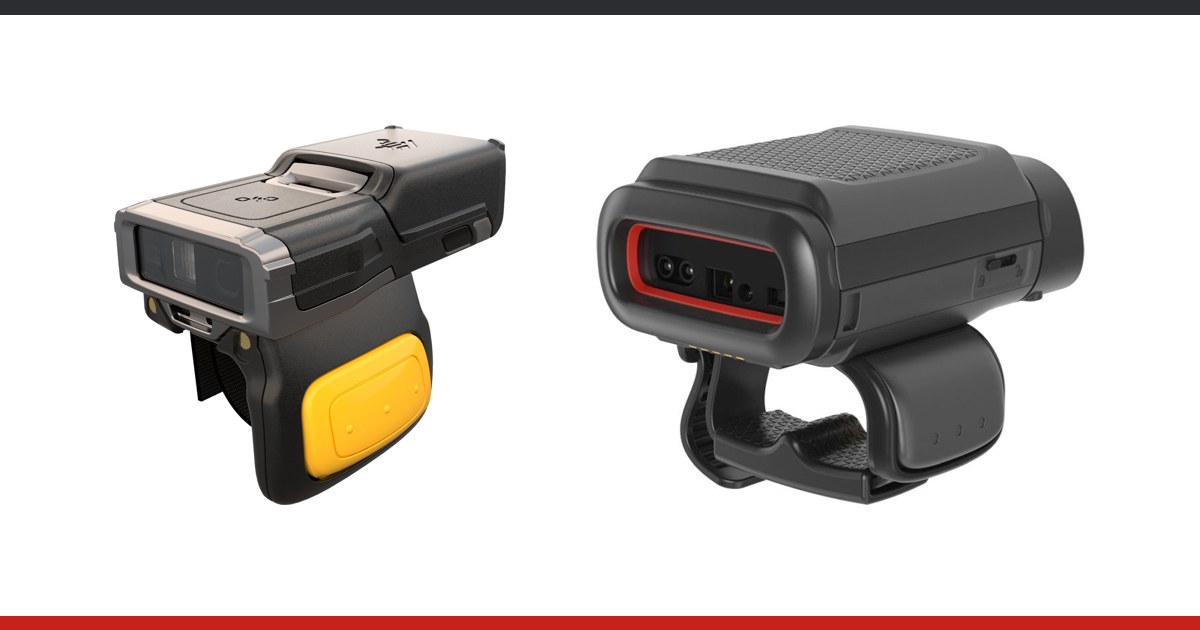
| Working on the move with hands full | Terminal or wearable scanner |
If the decision is not obvious, read also how to choose a scanner for the checkout and 1D or 2D: what to choose in 2026. For phone screens see scanning from a phone screen.
Checklist before ordering
- Which profile does the software use: HID or SPP?
- Is there a charging cradle and how is pairing done?
- Was the range tested at the real location, not in the office?
- Is batch mode available and how much does it hold?
- How is the battery replaced and how long does charging take?
- How is pairing protected (PIN, confirmation)?
- What happens to a lost or replaced scanner?
Range and how to proceed
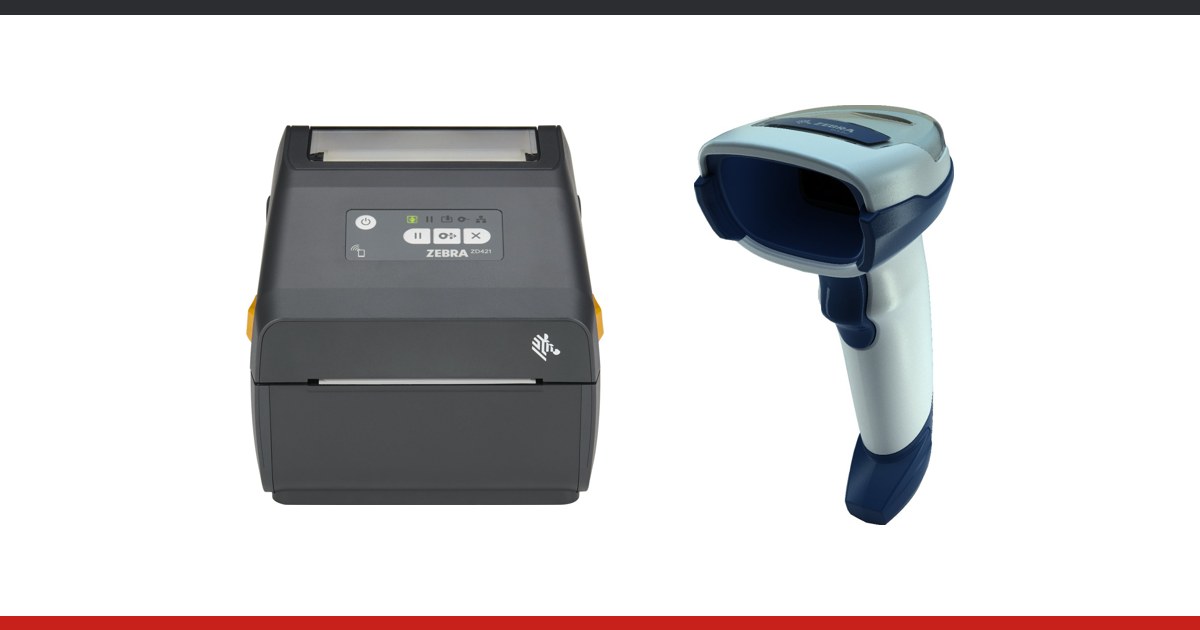
Cordless scanners are available from Zebra (for example the DS2278 and DS8178 lines), Honeywell (Voyager 1472g) and Datalogic (Gryphon GBT and QuickScan QW). To pick the right variant, write to us: tell us where the work happens, which software you use and how many workstations you have, and we will propose two or three options and help with a test on site.