1D or 2D scanner: what to choose in 2026
1D or 2D scanner in 2026: what each reads, why 2D is becoming standard, on-screen and damaged codes, price versus versatility, when 1D is enough and how to migrate.
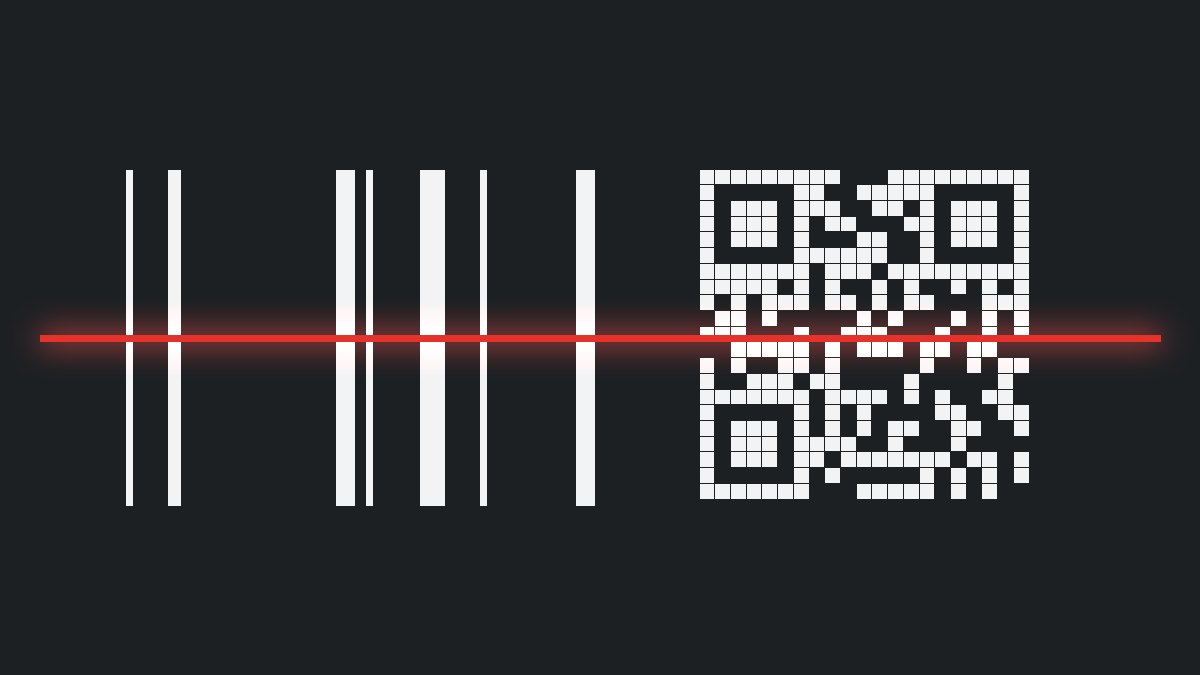
Not long ago the 1D scanner was the default choice for any till or warehouse, and 2D was a luxury. Today the price gap has narrowed, while the number of situations where 1D falls short has grown. Below: what each type reads, why 2D is becoming the standard and when 1D remains a sensible choice. All device types are in the scanner catalogue.
1. What each type reads
| Criterion | 1D scanner (laser or linear) | 2D imager |
|---|---|---|
| Linear codes (EAN, Code 128) | Yes | Yes |
| QR, DataMatrix, PDF417 codes | No | Yes |
| Codes on screens | Usually poor or none | Yes |
| Damaged or very small codes | Limited | Much better |
| Reading at any angle | Needs orientation | Omnidirectional |
| Price | Lower | Slightly higher |
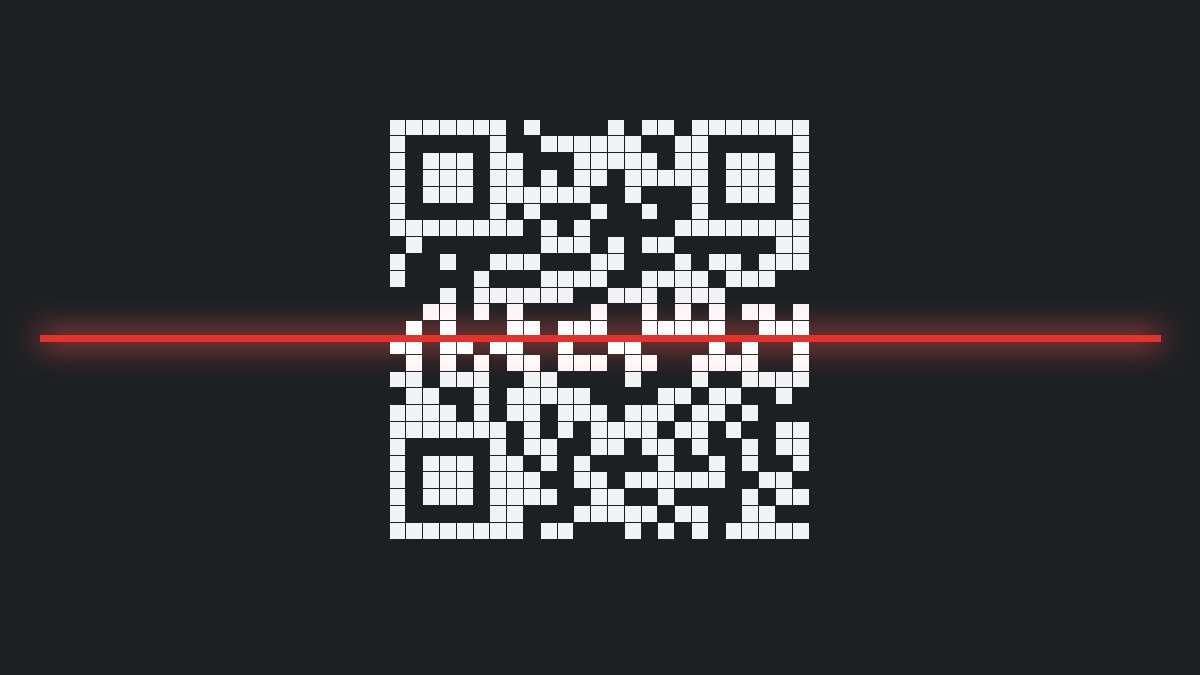
A 2D imager takes a picture of the code and software decodes it. That is why it does not need to be aligned and reads both linear and matrix codes.
2. Why 2D is becoming the standard
The reasons are practical, not fashionable:
- Customers increasingly show coupons, tickets and cards on a phone
- Packaging carries more and more QR and DataMatrix codes with extra information
- Small products or curved surfaces have codes that are hard to read with a laser
- One model covers the till, the warehouse and goods receiving, so spares are simpler
When a new format appears, a 2D imager usually reads it after a simple switch-on in the configuration, whereas a 1D scanner has to be replaced.
3. Codes on screens
A phone screen emits its own light and has a glossy surface, and the code on it is made of pixels. A classic laser almost never reads it well. Modern imagers are designed for such cases too. If mobile coupons or digital tickets appear at your till, read scanning from a phone screen: it covers settings and brightness in detail.
4. Damaged, small or poorly printed codes
The label on a parcel gets rubbed, bent or covered with film. On electronic components the code is a few millimetres across. A 2D imager has error correction built into the code and algorithms that rebuild missing parts, while 1D has only what the beam saw. For very small labels or metal surfaces, special lines are used, and for marking directly on the part see DPM marking and reading it in production.
5. Price versus versatility
A 2D imager usually costs more than a 1D of the same class, but the difference is no longer large. Compare not the price of one device but the cost of the whole life cycle:
- What happens when a supplier changes the label and the code becomes 2D
- How many different models you must keep as spares
- How much time the operator loses when a code does not read the first time
- What a mass replacement would cost in two or three years
We do not publish prices: on request, for the specific model and quantity. You can ask for a quote.
6. When 1D is enough
A 1D scanner remains the right choice if all codes are linear, clean and printed on standard labels, and the process will not change in the near future.
For example: a simple till in a small shop with EAN labels on the packaging, a dispatch point in a warehouse with well-printed own labels, or simple fixed-asset tracking. But even here, check: will a coupon on a phone, a supplier's QR code or a document with a 2D code appear? If so, take 2D from the start.
7. Marking and GS1: in general terms
GS1 standards describe how products and logistics units are encoded, including in DataMatrix and QR codes. Such codes can carry more data than an EAN: a batch number, an expiry date, a serial number. Reading them correctly takes a 2D imager and software that understands the data structure. Specific marking requirements depend on the country and the type of product and are checked against the official source, separately from choosing a scanner.
8. Migrating from 1D to 2D
The change does not have to happen all at once: 1. Take stock of the existing scanners: type, interface, age, location. 2. Start with the stations where coupons, 2D codes or read complaints already appear. 3. Keep the same interface (USB, RS-232) and the same stand, so installation is quick. 4. Copy the settings (prefix, suffix, formats) from the old scanner to the new one. 5. Test on real labels and only then expand.
For the till, model comparison is in the guide how to choose a checkout scanner; for the warehouse see the warehouse solutions page.
Checklist
- Which code formats appear today and which will appear in two or three years
- Whether there are on-screen, small, damaged or metal codes
- How many different models can be reduced to one
- Whether the interface and stand stay or change
- Testing on your own labels and packaging
- Delivery times: in stock – shipped the next business day; on order – delivered within one week of payment
- Warranty: 12 months
- Price and service
How to proceed
You will find 2D imager lines at Zebra (for example DS2200 as a basic one), at Honeywell (Voyager, Xenon) and at Datalogic (Gryphon, QuickScan). Tell us which codes you read and where, and we will propose two or three options: contact us.